

You want to get more out of your landing pages, right? It’s easy to get stuck thinking one design is the best. But how do you really know? That’s where A/B testing landing pages comes in. It’s a way to test out different versions of your page to see which one actually brings in more leads or sales. We’ll walk you through how to do this using Unbounce, step by step. You don’t need to be a tech wizard to make it work.
Key Takeaways
- A/B testing lets you compare two versions of a landing page to see which one performs better, helping you make data-driven decisions instead of guessing.
- Before you start, set clear goals for your test, like increasing sign-ups or clicks, and identify the specific elements you want to change.
- Create a strong hypothesis – an educated guess about why a change will improve performance – to guide your testing.
- In Unbounce, you can set up your A/B test by choosing who sees the test and how traffic is split between your original and new page versions.
- Running your test requires enough visitors to get reliable results, and then you’ll analyze the data to find the winner and apply what you learned.
Understanding A/B Testing for Landing Pages
What is A/B Testing?
A/B testing, sometimes called split testing, is a method where you compare two versions of something to see which one performs better. Think of it like trying out two different recipes for cookies to see which one your friends like more. In the world of online marketing, this usually means creating two versions of a landing page – let’s call them Variant A (the original) and Variant B (the new one) – and showing them to different groups of your website visitors. The goal is to figure out which version gets more people to take the action you want, like signing up for a newsletter or buying a product. The core idea is to make decisions based on real data about how people interact with your pages.
Why A/B Testing Matters for Conversions
When you’re trying to get people to do something on your website, every little detail can make a difference. A/B testing helps you pinpoint exactly what those details are. You might think a different headline will grab more attention, or maybe a new button color will get more clicks. Instead of just guessing, A/B testing lets you find out for sure. This is super important because even small improvements can add up to a lot more leads or sales over time. It’s about making sure your landing pages are as effective as possible at turning visitors into customers. For instance, companies often use A/B testing to refine their landing page elements to better match what their audience is looking for.
Key Benefits of Split Testing
Running A/B tests offers several advantages for your marketing efforts. It helps you:
- Reduce risk: You can test changes before fully committing to them, avoiding potential negative impacts on your performance.
- Isolate variables: By changing only one element at a time, you can clearly see what specific changes lead to better results.
- Improve user experience: Understanding what your audience prefers helps you create pages that are more engaging and easier for them to use.
- Increase ROI: Optimizing your landing pages leads to more conversions, meaning you get more value from your advertising spend.
Testing allows you to move beyond assumptions and make data-driven decisions. This scientific approach helps you understand your audience’s behavior more deeply and continuously refine your marketing strategies for better outcomes.
By systematically testing different aspects of your landing pages, you can gain insights that lead to significant improvements in conversion rates. This process is central to how platforms like Unbounce help marketers achieve their goals.
Getting Started with Unbounce A/B Testing

Before you jump into building variations and tweaking pixels, it’s important to lay a solid foundation for your A/B testing efforts within Unbounce. This means getting clear on what you want to achieve, what parts of your page might be holding you back, and what you expect to happen when you make changes. Doing this groundwork properly will make your testing much more effective.
Setting Your Testing Objectives
What exactly are you trying to improve with your A/B test? Without a clear goal, it’s tough to know if your test was a success or not. Think about what you want to happen. Do you want more people to sign up for your newsletter? Maybe you want more demo requests, or perhaps you’re aiming to reduce the number of people who leave your page without taking any action.
It’s vital to define your primary goal and the specific metric you’ll use to measure it before you even think about creating a new page. For instance, if your goal is to get more leads, your key metric might be the number of form submissions. If you want to increase sales, it could be the number of completed purchases.
Here are some common objectives:
- Increase conversion rates (e.g., sign-ups, downloads, purchases)
- Reduce bounce rates
- Improve click-through rates on specific elements
- Increase average order value
- Gather data on user preferences
Identifying Key Elements to Test
Now that you know what you want to achieve, let’s figure out what on your landing page might be preventing you from reaching that goal. Think about the different parts of your page and how they might influence a visitor’s decision. Often, the most impactful changes come from tweaking the elements that directly communicate your offer and guide the user’s next step.
Consider these common areas:
- Headlines: Does your main headline clearly communicate the benefit of your offer? Is it engaging enough to make someone want to read more?
- Calls to Action (CTAs): Is your button text clear and compelling? Is the button color or placement noticeable?
- Images and Videos: Do your visuals support your message and appeal to your target audience?
- Form Fields: Are you asking for too much information? Is the form easy to find and fill out?
- Page Layout: Is the information presented in a logical flow? Is it easy for visitors to find what they’re looking for?
- Social Proof: Are testimonials, reviews, or trust badges present and prominent?
It’s usually best to focus on testing one or two key elements at a time. Changing too many things at once makes it hard to pinpoint exactly what made the difference.
When you’re deciding what to test, try to put aside personal opinions or what you think will work. Instead, look at your current page’s performance and consider what might be causing friction for your visitors. Data and user behavior should guide your choices, not just gut feelings.
Formulating a Strong Hypothesis
A hypothesis is basically an educated guess about what change you’ll make and what result you expect. It’s the backbone of your A/B test. A good hypothesis is specific, measurable, and testable. It helps you stay focused and provides a clear benchmark for evaluating your results.
Here’s a simple structure for a hypothesis:
- If I change [this specific element] to [this new version], then [this specific metric] will [increase/decrease] because [reasoning].
Let’s look at a few examples:
- If I change the CTA button color from blue to orange, then the click-through rate will increase because orange is a more attention-grabbing color and stands out better against the page background.
- If I shorten the main headline to be more concise, then the conversion rate will increase because a shorter headline will communicate the core benefit more quickly and reduce cognitive load for visitors.
- If I add customer testimonials to the top of the page, then the bounce rate will decrease because social proof will build trust and encourage visitors to stay and learn more.
Having a clear hypothesis helps you understand why you’re running the test and what you’re looking for in the results. It turns your testing from a random experiment into a structured learning process.
Creating Your Landing Page Variants
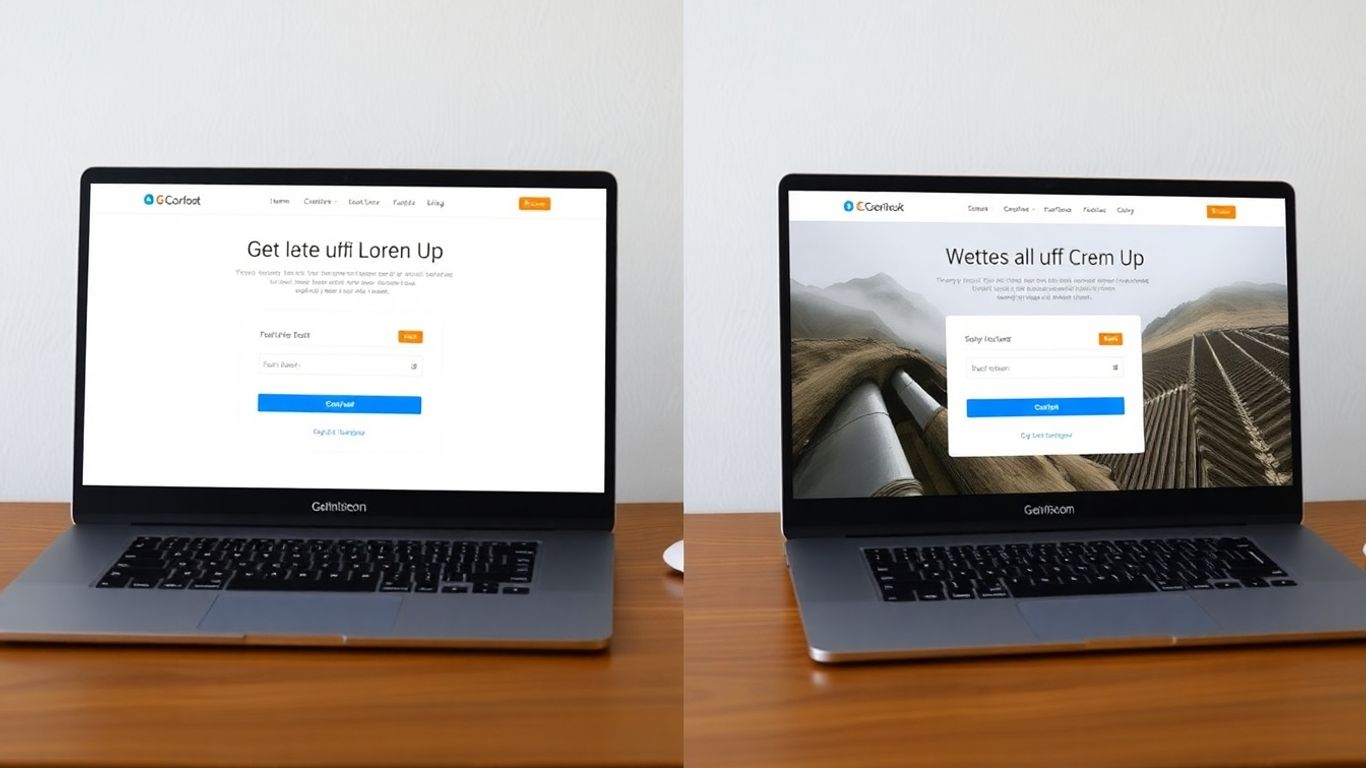
Now that you have a clear objective and a solid hypothesis, it’s time to build the actual pages you’ll be testing. In Unbounce, this means creating a ‘control’ page and one or more ‘variation’ pages. The goal here is to make deliberate changes to specific elements to see how they affect visitor behavior.
Designing Your Control and Variation Pages
Your control page is your existing, live landing page. It’s the benchmark against which you’ll measure the performance of your new variations. When creating a variation, remember the golden rule of A/B testing: change only one thing at a time. If you change the headline, the button color, and the image all at once, you won’t know which change actually made a difference. Was it the new headline that grabbed attention, or the brighter button that encouraged clicks?
For instance, let’s say you want to test a new headline. Your control page will have the original headline. Your variation page will have the exact same layout, copy, images, and button, but with the new headline you’re testing.
Testing Headlines and Calls to Action
Headlines and calls to action (CTAs) are often the most impactful elements on a landing page. They’re the first things visitors read and the prompts that guide them toward conversion.
- Headlines: Try different angles. Is your current headline benefit-driven? Does it create curiosity? Does it speak directly to a pain point? Experiment with shorter, punchier headlines versus more descriptive ones.
- Calls to Action (CTAs): Don’t just stick with "Submit" or "Learn More." Test different action verbs like "Get Your Free Guide," "Start Your Trial," or "Download Now." Also, consider the button’s color, size, and placement. A bright, contrasting button might stand out more than a muted one.
Experimenting with Layout and Imagery
Beyond text, the visual elements of your page play a significant role. How you arrange information and the images you use can influence how visitors perceive your offer.
- Layout: Consider the flow of information. Does a more visual layout with fewer text blocks perform better? Or is a detailed, text-heavy page more persuasive for your audience? You might test moving sections around or changing the number of form fields.
- Imagery: The main image or "hero shot" is critical. Does a photo of a person using the product work better than a clean product shot? Test different styles, like illustrations versus photographs, or images that evoke specific emotions.
Remember, the goal is to isolate variables. If you’re testing a new headline, ensure everything else – the image, the CTA, the form, the layout – remains identical between your control and variation pages. This way, you can be confident that any change in conversion rate is directly attributable to the headline itself.
Here’s a quick look at common elements to test:
| Element | What to Test |
|---|---|
| Headline | Wording, length, tone, benefit focus |
| Call to Action | Button text, color, size, placement |
| Images/Video | Style (photo vs. illustration), subject, context |
| Form | Number of fields, field types, placement |
| Layout | Section order, spacing, visual hierarchy |
| Offer | Discount amount, freebie type, trial length |
Configuring Your A/B Test in Unbounce
Now that you have your objectives, identified what you want to test, and formed a solid hypothesis, it’s time to get your experiment set up within Unbounce. This is where you tell the platform how you want your test to run and who should see it. It’s pretty straightforward, but paying attention to the details here makes a big difference in the quality of your results.
Choosing Your Testing Audience
Before you even think about traffic splits, you need to decide who gets to see your test. Unbounce lets you target specific groups of visitors. This is super helpful because not all traffic is the same. You might want to test a new offer only on visitors coming from a specific ad campaign, or perhaps only on mobile users.
- Target by Traffic Source: Direct visitors from Google Ads, Facebook, or organic search to different variants if you suspect their behavior differs.
- Target by Device: See if your changes perform better on desktop, mobile, or tablet.
- Target by Location: If your offer is region-specific, you can tailor tests accordingly.
The key is to ensure your audience is relevant to the change you’re testing. If you’re testing a new headline for a general audience, you might not need complex targeting. But if you’re testing a specific offer, narrowing your audience makes the results more meaningful.
Allocating Traffic to Variants
Once you know who you’re testing with, you need to decide how to split your traffic between the original page (the control) and your new version(s) (the variations). The most common split is 50/50, meaning half your visitors see the original and the other half see the new one. This is often the best way to get clear, unbiased results quickly.
However, Unbounce gives you flexibility here. You can manually allocate traffic if you have a specific reason. For instance:
- 70/30 Split: If you’re very confident in your control page and want to minimize risk, you could send more traffic to it.
- Uneven Splits (e.g., 30/30/40 for A/B/n): If you have multiple variations and want to give one a slightly better chance, or if you’re testing a minor change and want to see its impact without disrupting the majority of your traffic.
While manual traffic allocation offers flexibility, it’s generally recommended to start with a 50/50 split for most A/B tests. This approach helps you gather data more efficiently and reach statistical significance faster, especially when you’re trying to compare two equally viable options. Stick to the standard split unless you have a strong, data-backed reason not to.
Leveraging Unbounce’s Testing Options
Unbounce is built for this kind of work, so it has some neat features to make your A/B testing smoother. Beyond the basic A/B test (one variation against the original), you can also run:
- A/B/n Tests: Test multiple variations against your control page simultaneously. This is great when you have several ideas for improvement and want to see which one performs best.
- Multivariate Tests: These are more complex and test combinations of changes across different elements on a single page. For example, you could test three different headlines with two different button colors to see which combination yields the best results. This is powerful but requires a larger sample size to get reliable data.
When setting up your test in the Unbounce interface, you’ll select the type of test, choose your control and variation pages, and then configure the traffic allocation and audience targeting. Unbounce’s landing page builder makes it easy to create these variations directly within the platform, so you don’t have to manage separate pages outside of it. The platform handles the technical side of showing the right page to the right visitor, letting you focus on the results.
Running and Monitoring Your Experiments
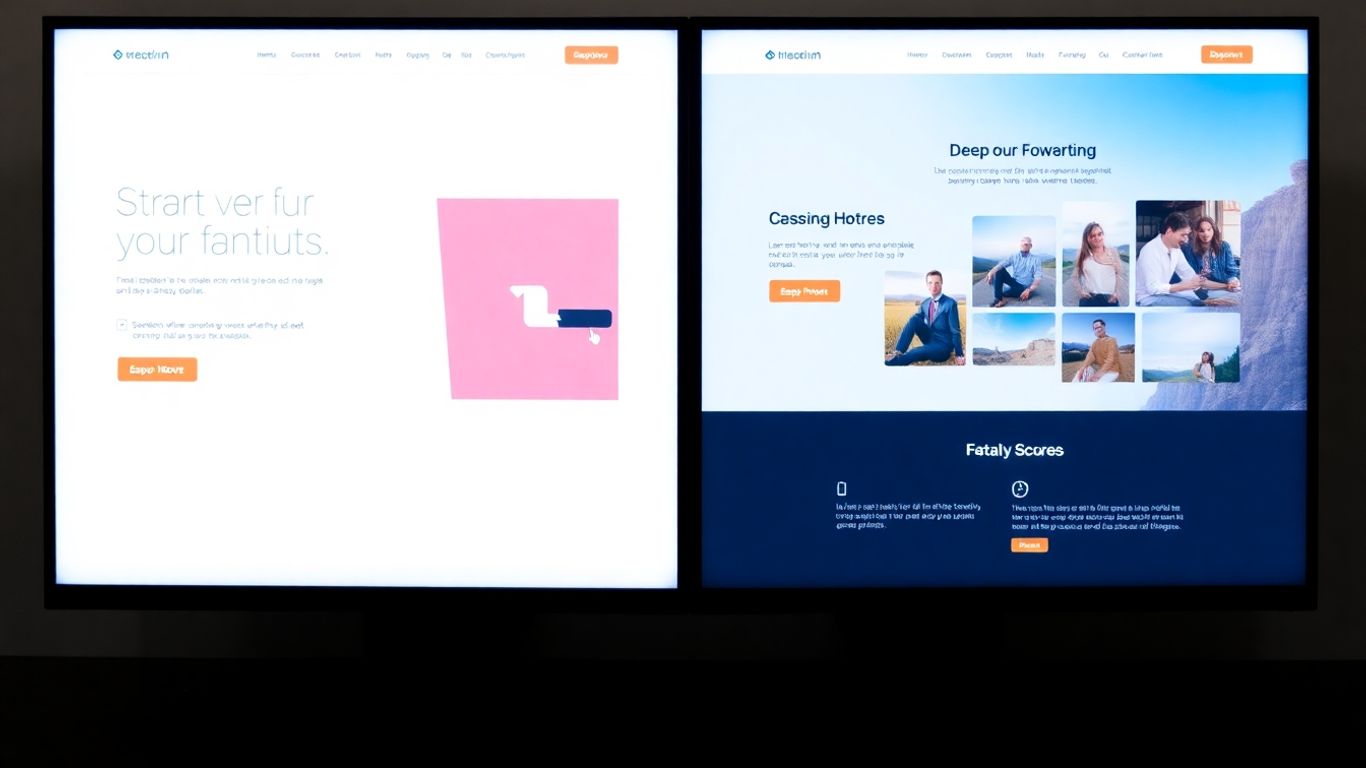
So, you’ve set up your A/B test in Unbounce and you’re ready to see what happens. This is where the real learning begins. It’s tempting to check the results every hour, but patience is key here. You need to let the experiment run its course to gather enough data for meaningful conclusions.
Determining the Right Sample Size
Before you even launch, you need to think about how many people need to see your variants for the results to be reliable. If your page doesn’t get much traffic, a test might take a very long time to get enough data, or the data you get might not be very useful. Unbounce can help you estimate this, but generally, you want enough visitors to be confident that the results aren’t just random chance. A good rule of thumb is to aim for at least a few hundred conversions per variant, but this can vary a lot depending on your conversion rate and desired confidence level.
Monitoring Test Performance
Once your test is live, keep an eye on how it’s doing, but don’t make snap judgments. Early results can be a bit wild. What looks like a winner on day one might not be by the end of the week. Focus on your main goal – was it leads, sales, or something else? Stick to that primary metric. You can also look at other related metrics, like bounce rate or time on page, to get a fuller picture, but don’t let them distract you from the main objective. It’s also important to let the test run for a full business cycle, usually at least a week, to account for different user behaviors on weekdays versus weekends, or different times of the day.
- Track your primary conversion goal: This is the most important number. Did more people complete the desired action on variant B compared to variant A?
- Observe secondary metrics: Look at things like engagement, bounce rate, or average session duration. Are there any unexpected changes?
- Check for technical issues: Make sure both variants are loading correctly and tracking data as expected. A technical glitch can ruin your test.
Resist the urge to make changes mid-test. If you start tweaking elements based on early, incomplete data, you’re essentially invalidating the experiment. Stick to the plan you set out with.
Understanding Statistical Significance
This is the fancy term for knowing if your results are real or just a fluke. Statistical significance tells you the probability that the difference you’re seeing between your variants is due to the changes you made, not just random luck. Unbounce usually shows you when your test has reached statistical significance, often around a 95% confidence level. This means you can be 95% sure that the results are accurate. If your test hasn’t reached this point, you need to let it run longer. Don’t declare a winner until you have this confidence.
Analyzing and Implementing Results
So, you’ve run your A/B test in Unbounce and gathered a bunch of data. Now comes the really interesting part: figuring out what it all means and what to do next. It’s not just about seeing which version got more clicks; it’s about understanding why and using that knowledge to make your future campaigns even better.
Interpreting Your Unbounce Reports
When you look at your Unbounce reports, you’ll see a lot of numbers. Don’t get overwhelmed! Start by looking at your main goal metric – the one you set out to improve. Did variant B outperform variant A? By how much? This is your first clue.
But don’t stop there. It’s important to look at other related metrics too. For example, if your conversion rate went up, did the average time on page also increase, or did people leave faster? Sometimes a change that boosts one number can negatively affect another. You’ll want to check things like:
- Bounce rate
- Click-through rates on specific elements
- Form submission times
- Revenue generated (if applicable)
Understanding these secondary metrics helps you paint a fuller picture of user behavior. It might reveal that while one variant converted more visitors, the other brought in higher quality leads.
Identifying the Winning Variant
After reviewing the data, you’ll need to determine if one variant is a clear winner. This isn’t just about who got more conversions. You need to consider statistical significance. Unbounce helps with this, but it’s good to know what it means. Essentially, it tells you how likely it is that the difference you’re seeing is due to chance rather than the actual changes you made.
If your test results are statistically significant, you can be much more confident that the winning variant is genuinely better. If the results are close or inconclusive, you might need to run the test for longer or test a different element.
Remember, the goal of A/B testing is continuous improvement. Even if a variant doesn’t win outright, the data you collect provides valuable insights for future tests.
Applying Learnings to Future Campaigns
Once you’ve identified a winning variant and confirmed its statistical significance, it’s time to put that knowledge to work. Implement the changes from the winning variant across your live landing page. This is where you start seeing the real return on your testing efforts.
But the learning doesn’t stop there. Think about what you learned from the test. Did a particular headline style work best? Did a certain image grab more attention? Document these findings. This information is incredibly useful for planning your next landing page or even other marketing materials. You’re building a knowledge base that will help you make smarter decisions over time, leading to better results across all your campaigns. You can use these insights to optimize your landing pages for conversions more effectively in the future.
Wrapping Up Your A/B Testing Journey
So, you’ve gone through the steps of setting up and running A/B tests in Unbounce. It might seem like a lot at first, but remember, the goal is to make smarter choices for your marketing. By testing different elements, you’re not just guessing anymore; you’re using real data to figure out what actually connects with your audience. Keep practicing, keep testing, and you’ll get better at this. Don’t be afraid to try new things, even if a test doesn’t go as planned – every experiment teaches you something. Now, go ahead and start optimizing those pages!
Frequently Asked Questions
What exactly is A/B testing?
A/B testing, also called split testing, is like a science experiment for your website. You create two versions of something, like a webpage, and show each version to a different group of visitors. Then, you see which version works better to get people to do what you want them to do, like signing up or buying something. It helps you stop guessing and start knowing what works best.
Why is A/B testing important for getting more customers?
It’s super important because it helps you understand what your visitors actually like and respond to. By testing different things like headlines or button colors, you can find out what makes people more likely to become customers. This means you can improve your website to get more sales or sign-ups without wasting time or money on things that don’t work.
How do you decide which version wins in an A/B test?
You decide the winner based on your goals. If your goal was to get more people to click a button, the version that got more clicks is the winner. Unbounce’s tools show you the results clearly, often with something called ‘statistical significance,’ which means the results are very likely real and not just a fluke. You look at which version achieved your goal the best.
Should you only test one change at a time?
Yes, it’s best to test only one change at a time. Imagine you change the color of a button and also the words on it. If the new version does better, you won’t know if it was the color, the words, or both that made the difference. By changing just one thing, you can be sure what made the results change.
What should you do if your A/B test doesn’t show any improvement?
Don’t worry if a test doesn’t show improvement! Even a test that doesn’t find a ‘winner’ gives you valuable information. It tells you that the change you made didn’t help, or maybe even hurt. This helps you learn more about what your audience prefers. You can then try a different change or go back to what you had before. Every test is a learning opportunity.
How long should you run an A/B test?
There’s no single answer for how long to run a test. It really depends on how much traffic your website gets and how big the difference is between your two versions. You need enough visitors to see real, reliable results. Unbounce can help you figure out when you have enough data, but generally, you want to let the test run long enough to get a good amount of visitors and conversions for each version.